· AI · 9 min read
The AI Developer Cheat Sheet
A quick-reference glossary of the AI terms developers keep running into — inference, tokens, quantization, 8B/70B model sizes, MoE, chain of thought, tool calling, MCP, RAG, agents and more — explained in plain language.
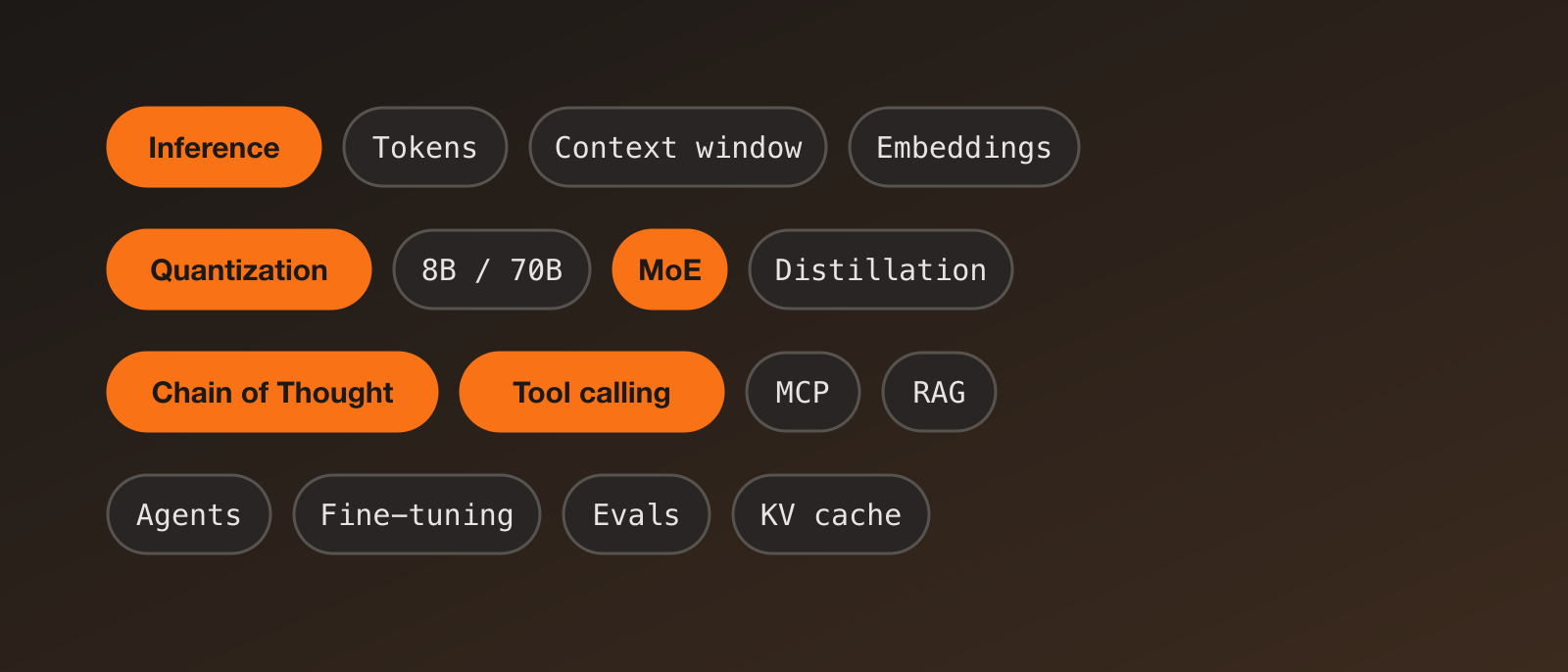
When I started building with LLMs, half the battle was the vocabulary. Every blog post and model card throws around words like quantized, MoE and tool calling as if everyone already knows them. This is the cheat sheet I wish I’d had: short definitions, grouped by topic, with the practical “why you should care” where it matters.
The field moves fast, so treat specific model names and numbers as examples and check current docs.
The basics
| Term | Quick explanation |
|---|---|
| LLM (Large Language Model) | A neural network trained on huge amounts of text to predict the next token. Chat, code and summarisation all come from that one skill. |
| Token | The unit a model reads and writes: a word, part of a word or punctuation. In English, roughly 4 characters or about ¾ of a word. You’re billed and limited by tokens, not words. |
| Context window | How many tokens the model can handle at once: your prompt, the history and its answer combined. Bigger windows allow more documents, but cost more and can dilute attention. |
| Parameters / weights | The learned numbers inside the model. More parameters generally means more capability and more memory needed. |
| Inference | Using a trained model to produce output, as opposed to training it. Every API call is inference. |
| Training | Adjusting the weights using data. Expensive and done once (or occasionally) by the model provider. |
| Latency vs throughput | Latency: how long one request takes (time to first token matters for chat). Throughput: how many requests or tokens per second the system handles overall. |
| Open weights vs open source | Open-weights models publish the trained weights so you can run them yourself, but not always the training data or code. “Open source” in the strict sense is rarer. Check the licence. |
| Multimodal | A model that handles more than text: images, audio, video or documents. |
Reading model names: 8B, 20B, 70B…
The number is the parameter count in billions: an 8B model has about 8 billion weights.
- Small (1–10B): fast and cheap, can run on a laptop or phone, good for simple tasks and fine-tuning.
- Medium (10–40B): a good balance if you have a decent GPU.
- Large (70B+): stronger reasoning and knowledge, needs serious hardware or a hosted API.
More parameters isn’t always better. Training quality, data and the model’s design matter a lot, and newer small models often beat older large ones.
Memory rule of thumb: memory ≈ parameters × bytes per parameter, plus overhead for the context and runtime.
- 8B at 16-bit (2 bytes) ≈ 16 GB
- 8B at 4-bit (0.5 bytes) ≈ 4–5 GB
Making models smaller and faster
| Term | Quick explanation |
|---|---|
| Quantization | Storing weights with fewer bits (for example 16-bit → 8-bit → 4-bit) to cut memory and often speed things up, with a small loss in quality. The main reason big models can run on consumer hardware. |
| FP16 / BF16 / INT8 / INT4 | Common number formats. Fewer bits means smaller and faster, but less precise. 4-bit is a popular sweet spot for local use. |
| GGUF, GPTQ, AWQ | Popular quantized file formats and methods. GGUF is the format used by llama.cpp and Ollama. |
| Distillation | Training a small “student” model to imitate a large “teacher” model, so you get much of the quality at lower cost. |
| Pruning | Removing weights or parts of a network that contribute little. |
| KV cache | Memory that stores the model’s earlier computations so it doesn’t redo them for every new token. It’s why long contexts use lots of memory. |
| Speculative decoding | A small draft model guesses several tokens ahead and the big model verifies them in one go, speeding up generation without changing the output. |
| Batching | Processing many requests together to use the GPU efficiently. |
| Prompt caching | Providers reuse the processed version of a repeated prompt prefix, so long, repeated system prompts become cheaper and faster. |
Model architecture
| Term | Quick explanation |
|---|---|
| Transformer | The architecture behind almost all modern LLMs, built around the attention mechanism. |
| Attention | How the model decides which earlier tokens matter for the current one. |
| MoE (Mixture of Experts) | The model contains many specialist sub-networks (“experts”), and a router sends each token to only a few of them. It has a large total parameter count but a much smaller active count per token, so it’s cheaper to run than a dense model of the same total size. Example: a model with 100B total and 10B active. You still need memory for all the experts. |
| Dense model | Every parameter is used for every token. |
| Embeddings | Numbers that represent the meaning of text, so similar texts end up close together. Used for search, clustering and RAG. |
Training and customising models
| Term | Quick explanation |
|---|---|
| Pre-training | The first, huge stage: learning to predict the next token on a massive text corpus. |
| Fine-tuning / SFT | Further training on examples of the behaviour you want, such as question and answer pairs or a particular tone. |
| LoRA / QLoRA | Cheap fine-tuning that trains a small set of extra weights instead of the whole model (QLoRA also uses a quantized base). Makes fine-tuning possible on a single GPU. |
| RLHF / DPO | Tuning a model using human preference data so its answers are more helpful and safe. DPO is a simpler alternative to the full RLHF pipeline. |
| RLVR (RL with verifiable rewards) | Reinforcement learning where the answer can be checked automatically (maths results, passing unit tests). A key ingredient behind recent reasoning models. |
| Synthetic data | Training data generated by models, widely used for fine-tuning and distillation. |
| Overfitting / catastrophic forgetting | Fitting your examples too closely, or losing earlier skills after fine-tuning. |
Rule of thumb: try prompting first, then RAG if the model needs your data, and fine-tuning only when you need consistent style, format or a smaller cheaper model.
Getting better answers
| Term | Quick explanation |
|---|---|
| Prompt / system prompt | Your instructions to the model. The system prompt sets its role, rules and format. |
| Zero-shot / few-shot | Asking with no examples, or including a few examples in the prompt to show the pattern. |
| CoT (Chain of Thought) | Having the model work through the steps before answering. It improves results on maths, logic and multi-step problems. |
| Reasoning models | Models trained to “think” at length before answering, often with an adjustable thinking budget. Slower and pricier per answer, but better on hard problems. |
| Test-time compute | Spending more computation while answering (longer thinking, multiple tries) instead of only making the model bigger. |
| Temperature / top-p | Sampling settings. Low temperature gives focused, repeatable output; higher gives more varied output. |
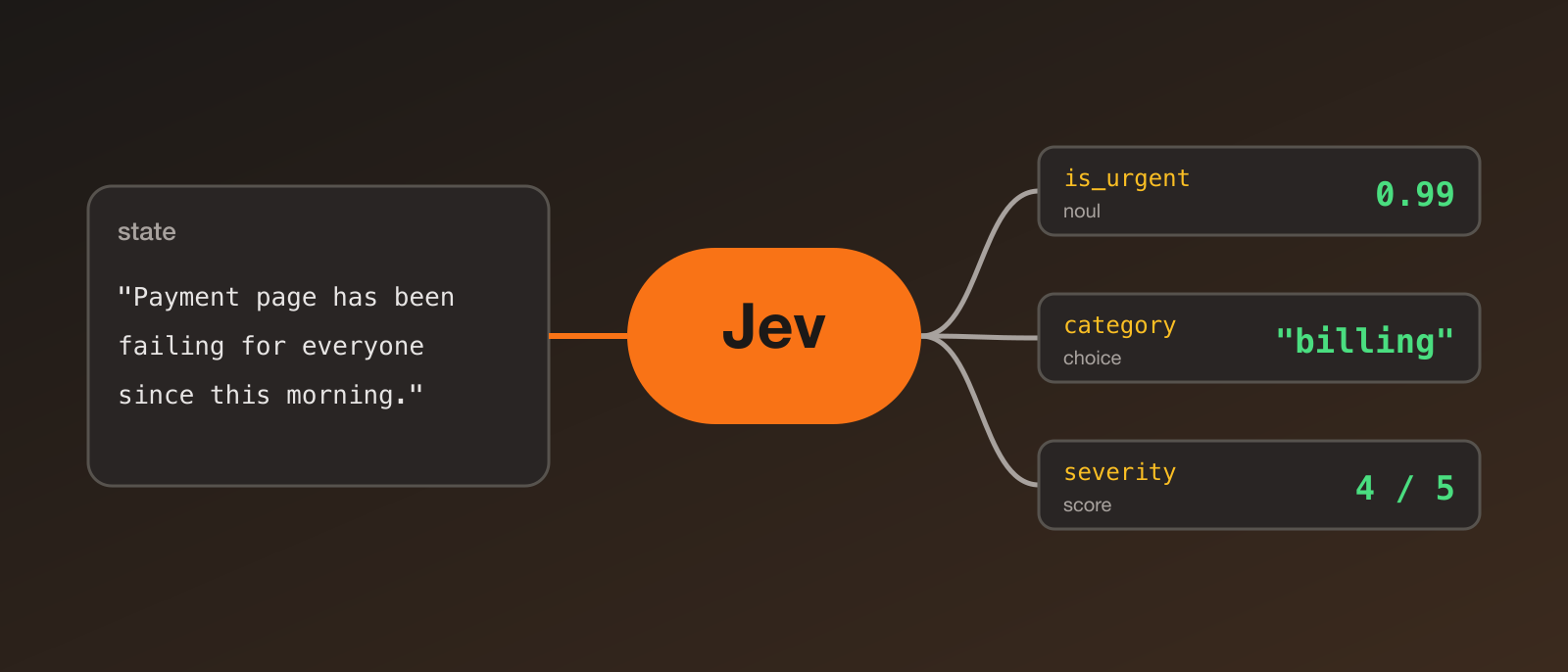
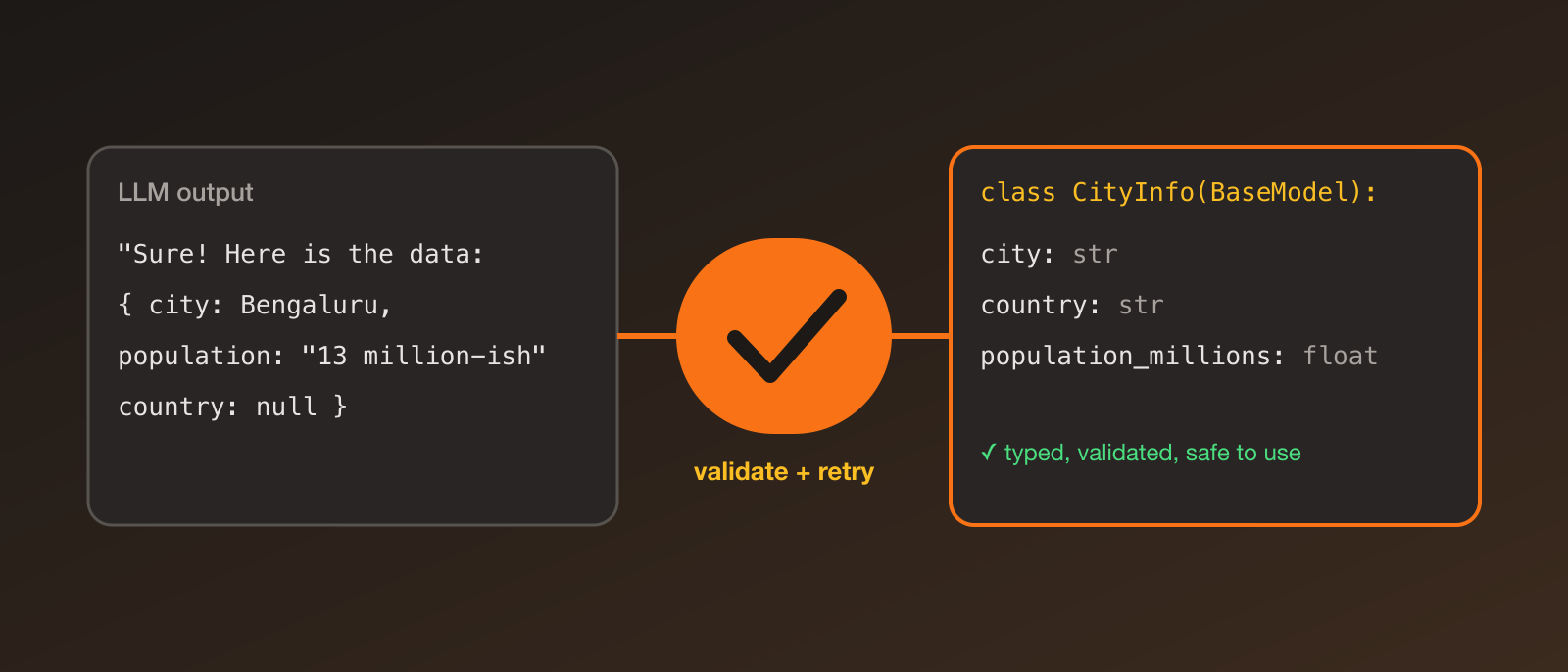
| Structured outputs / JSON mode | Forcing the model to return data in a defined schema. Pair with Pydantic to validate it. |
| Hallucination | A confident answer that is wrong or made up. Reduce it with grounding (RAG), clear instructions, and verification. |
| Context engineering | Deciding what goes into the context window (instructions, retrieved docs, tool results, memory), which matters as much as the wording of the prompt. |
Connecting models to the world
| Term | Quick explanation |
|---|---|
| Tool calling / function calling | You describe functions to the model; it replies with which function to call and with what arguments; your code runs it and returns the result. The model never runs code itself. |
| MCP (Model Context Protocol) | An open standard for connecting AI apps to tools and data sources, so one tool server works with many clients, like a USB port for AI integrations. |
| RAG (Retrieval-Augmented Generation) | Search your documents (usually with embeddings and a vector database), put the relevant pieces into the prompt, then have the model answer from them. Keeps answers current and grounded without retraining. |
| Vector database | A database built for finding the most similar embeddings quickly. |
| Agent | An LLM that works in a loop: decide, call tools, look at the results, repeat until the task is done. |
| Harness (agent harness) | Everything around the model that turns it into a working agent: the loop that calls the model, the tools it can use, permissions, context and memory management, and error handling. Same model, better harness, often much better results. Claude Code and Codex CLI are examples. |
| Multi-agent | Several agents with different roles working together or checking each other. |
| Guardrails | Checks on inputs and outputs, such as filtering unsafe content or validating formats. |
| Memory | Information saved between turns or sessions so an assistant can remember users and past work. |
Running and serving models
| Term | Quick explanation |
|---|---|
| API vs local | Hosted APIs give top quality with no hardware but cost per token and send data off-device. Local models give privacy and control but need hardware. |
| Ollama / llama.cpp / LM Studio | Popular tools for running quantized open-weights models on your own machine. |
| vLLM / TGI | Inference servers for running models efficiently at scale, with batching and caching. |
| GPU / VRAM | VRAM (GPU memory) is usually the limit for what model you can run. |
| Rate limits | Caps on requests or tokens per minute from an API provider. |
| Batch API | Submit many requests to run later at a discount when you don’t need instant answers. |
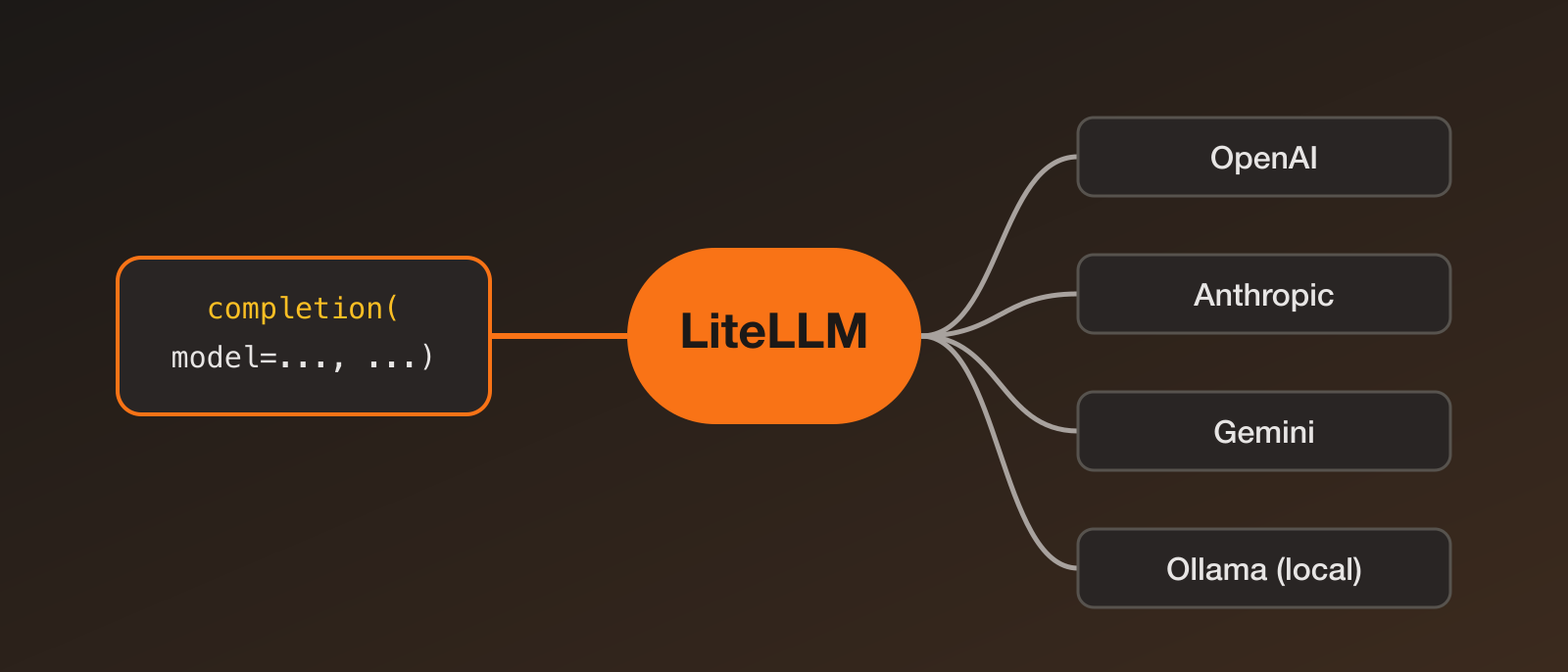
| Gateway / proxy | A layer between your app and model providers for routing, fallbacks, keys and cost tracking. |
Evaluating and shipping
| Term | Quick explanation |
|---|---|
| Benchmark | A standard test used to compare models. Useful, but models can be tuned for it and real tasks differ. |
| Evals | Your own tests for your own use case. The most important habit for building reliable AI features. |
| Eval harness | A framework that runs a model through a set of tests and scores the results in a repeatable way (for example, EleutherAI’s lm-evaluation-harness). Different from an agent harness, so check which one people mean. |
| LLM-as-judge | Using one model to grade another’s outputs. Fast, but check it against human judgement. |
| Prompt injection | Malicious text in a document, web page or tool result that tries to hijack the model’s instructions. A real security concern for agents. |
| Observability / tracing | Logging prompts, tool calls, costs and latency so you can debug AI apps. |
| Cost per token | Input and output tokens are priced separately, and output is usually more expensive. Reasoning tokens count too. |
Mini decision guide
- Need current or private info? Use RAG.
- Need an action done (send, search, calculate)? Use tool calling or MCP.
- Hard multi-step problem? Use a reasoning model or chain of thought.
- Need consistent format? Use structured outputs.
- Too slow or expensive? Use a smaller model, quantization, caching or batching.
- Need to run offline or keep data private? Use a local open-weights model.
- Not sure it works? Write evals.
Where to go next
- Try running a 4-bit quantized 8B model locally with Ollama and compare it with a hosted API.
- Build a small tool-calling agent with PydanticAI.
- Compare models behind one interface with LiteLLM.
Don’t try to memorise all of this. Bookmark it, and come back whenever a new term shows up.