· Tools · 4 min read
Meet Jev — A Model Built for Decisions, Not Chat
A student's look at Jev, TypeSafe AI's first "System One" model — what it is, how it differs from chat LLMs, where it fits, and how to make your first call with the Python SDK or curl.
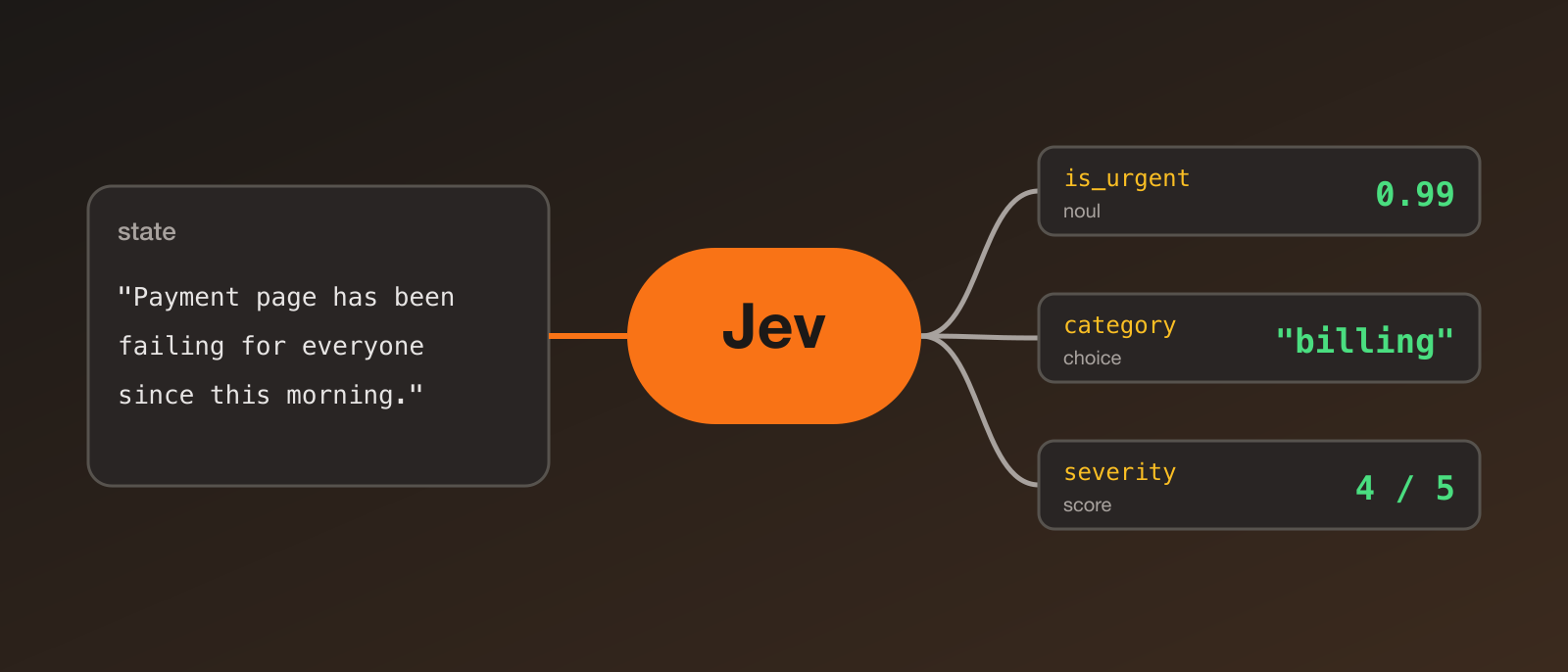
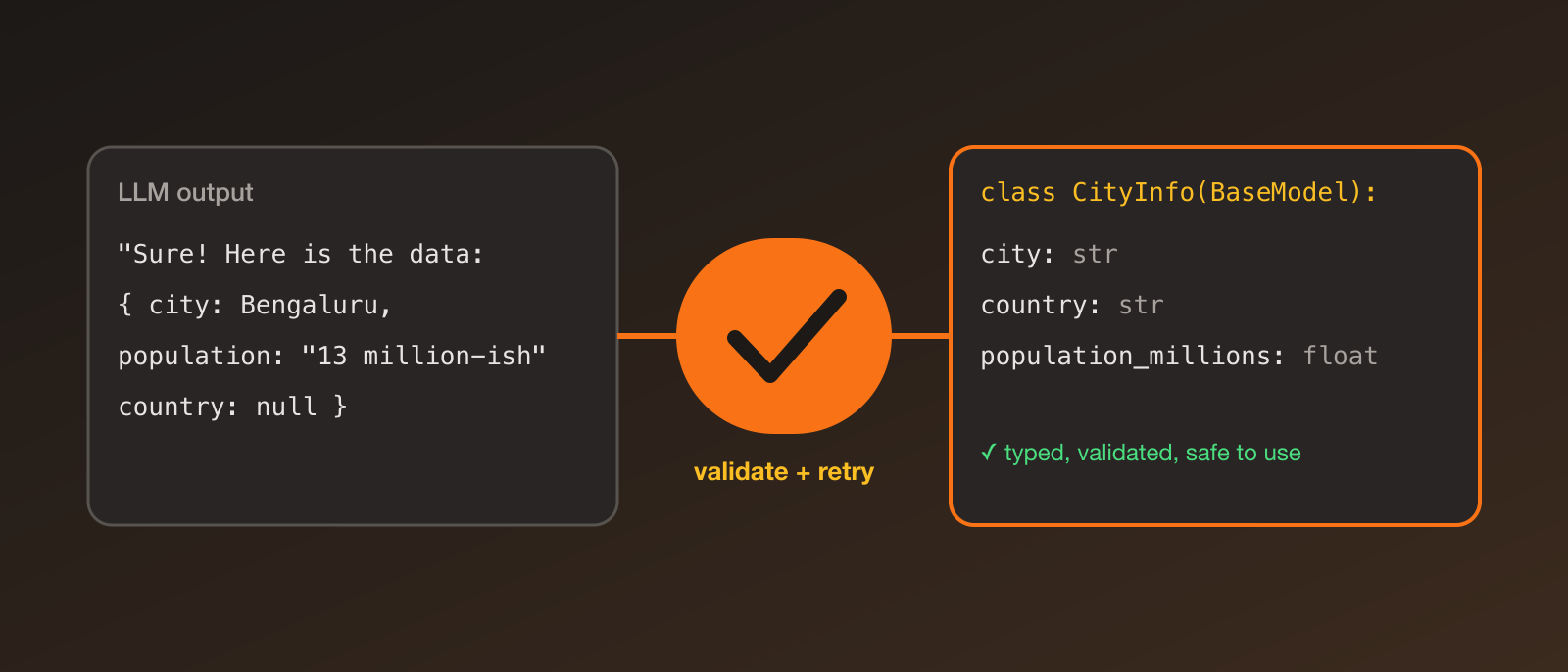
Most of the LLM code I write has the same shape: take some text, ask the model a question, then try to turn its paragraph back into something my program can use — “is this urgent?”, “which category is this?”, “score this from 1 to 5”. It works, but parsing free-form answers is slow, costs tokens, and breaks in annoying ways.
That’s the problem Jev is trying to solve. Note that it’s in early access, and I’m writing this from the public announcement and docs rather than long hands-on use, so treat the performance numbers as the company’s own claims.
What is Jev?
Jev is the first model in a new category TypeSafe AI calls System One models: models built to make fast, structured decisions that software can use directly. Instead of chatting, you send Jev some state (text or JSON) and one or more typed questions, and it returns typed answers with probabilities.
The way I think about it: a chat LLM is like asking a person to write you a paragraph, while Jev is more like calling a function that returns a value.
How it’s different from a chat LLM
According to TypeSafe’s announcement:
- Typed outputs only — it returns values like a choice, a score or a yes/no probability. It can’t write free-form text, which is why they say it can’t hallucinate prose.
- Calibrated probabilities — answers come with probabilities and, for some question types, a confidence value, so your code can decide what to do when it’s unsure.
- All answers in parallel — multiple questions are evaluated in one request rather than token by token.
- Trained differently — they describe a training approach called Reinforcement Learning for Calibrated Decisions (RLCD) aimed at calibration rather than chattiness.
- Speed and cost — they report responses in roughly 70–500 ms and very low per-token pricing. These are self-reported, and the company notes that their own comparisons may be biased, so I’d test it on my own data.
The three question types
| Type | What you ask | What comes back |
|---|---|---|
| Choice | Pick one option from a list | choice, probabilities, confidence |
| Score | Rate the input on a rubric | score, probabilities, confidence |
| Noul | Is this statement true? | noul (a value from 0 to 1) |
You can ask several questions about the same state in one call.
Use cases
- Smart if-statements — classify, route, score, extract or branch inside a normal program.
- Triage — flag urgent support tickets, route emails, prioritise bug reports.
- Guardrails — check or score another LLM’s output before it reaches a user.
- Batch processing — run over a large dataset to create features, labels or insights.
- Real-time features — anywhere a multi-second chat response is too slow.
It isn’t for writing essays or having conversations. If you need free-form text, use a chat model.
Getting started
You’ll need Python 3.10 or newer and an API key from the TypeSafe console (access is currently early access).
python3 -m venv .venv
source .venv/bin/activate
pip install typesafe-sdk
export TYPESAFE_API_KEY="your-api-key"
The package is typesafe-sdk and it’s imported as typesafe_sdk. The SDK reads TYPESAFE_API_KEY automatically.
Your first call
from typesafe_sdk import Noul, TypeSafeClient

state = "The payment page has been failing for everyone since this morning."

with TypeSafeClient(model="jev-latest") as client:
    response = client.system_one(
        state=state,
        questions={
            "is_urgent": Noul(
                instructions="The message conveys urgency or time-sensitivity",
            ),
        },
    )

print(response.nouls["is_urgent"].noul)   # e.g. 0.99
That 0.99 is a number I can compare against a threshold, with no string parsing involved:
if response.nouls["is_urgent"].noul > 0.8:
    page_the_on_call_engineer()
Or with curl
curl --fail-with-body --silent --show-error \
  https://api.typesafe.ai/v1/systemone \
  -H "Authorization: Bearer $TYPESAFE_API_KEY" \
  -H "Content-Type: application/json" \
  --data '{
    "state": "The payment page has been failing for everyone since this morning.",
    "model": "jev-latest",
    "questions": {
      "is_urgent": {
        "type": "noul",
        "instructions": "The message conveys urgency or time-sensitivity"
      }
    }
  }'
The response is keyed by your question names:
{
  "model": "jev-1.13.0",
  "answers": {
    "is_urgent": { "type": "noul", "noul": 0.99 }
  },
  "usage": { "input_tokens": 428, "output_tokens": 73 }
}
Comparing it with an LLM
TypeSafe also published an open-source Python adapter, system-one-adapter, that runs the same system_one calls on OpenAI, Anthropic or Gemini models instead. That makes it easy to compare cost, speed and answer quality on your own examples:
pip install 'system-one-adapter[openai]'from system_one_adapter import SystemOneAdapterClient, Noul
client = SystemOneAdapterClient()
response = client.system_one(
state="This book was a delight to read.",
questions={"positive": Noul(instructions="The book review is positive.")},
provider="openai",
model="gpt-4o-mini",
)Where to go next
- Read the announcement: Introducing System One models and Jev
- Follow the docs: docs.typesafe.ai, starting with the Quick Start and the Choice, Score and Noul pages.
- Try it on a small classification task you’d normally do with a chat model and compare.
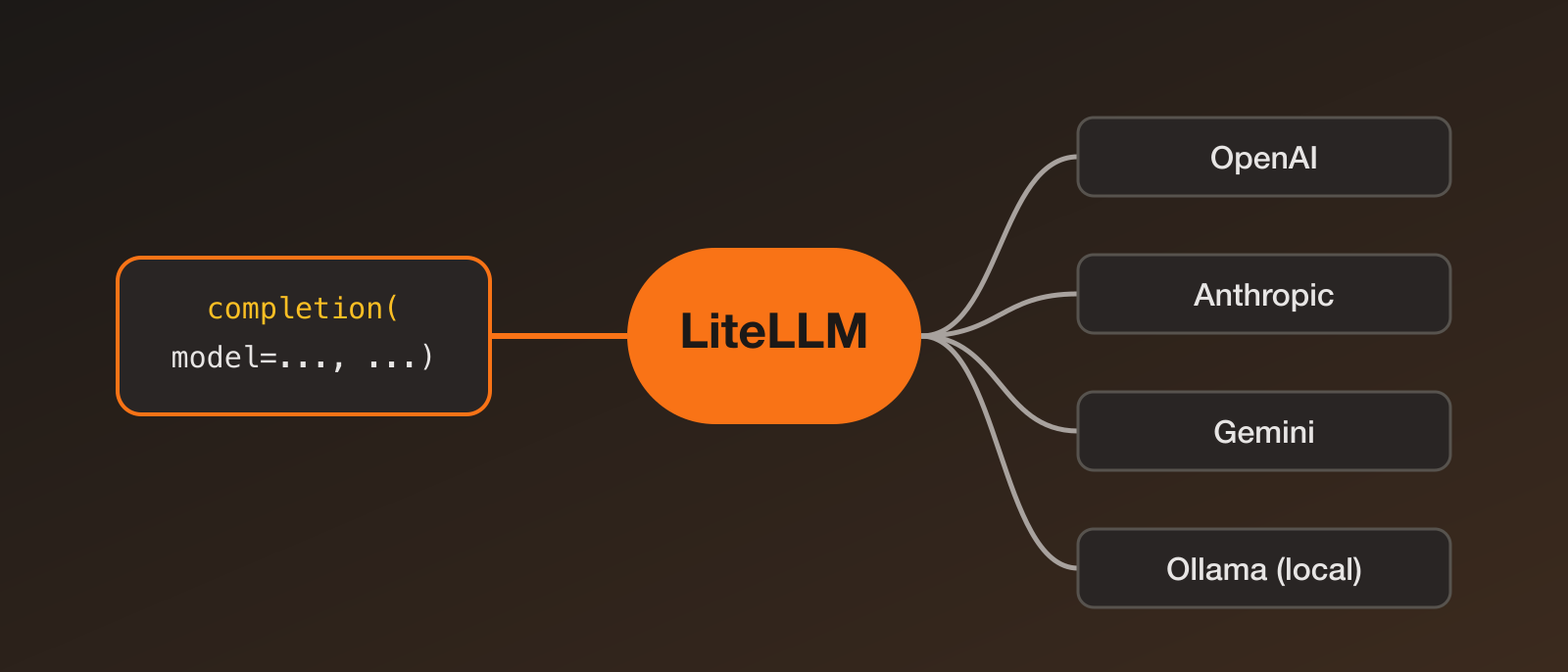
- Combine it with PydanticAI or LiteLLM when you need both decisions and free-form generation in one project.
My takeaway: not every LLM call needs to be a conversation. When what you want is a decision your code can act on, a model built for that is worth a look.