· Tools · 4 min read
Intro to Pydantic and PydanticAI
A student's guide to Pydantic for data validation in Python, and PydanticAI for building LLM agents that return typed, validated output — with install steps, code and real use cases.
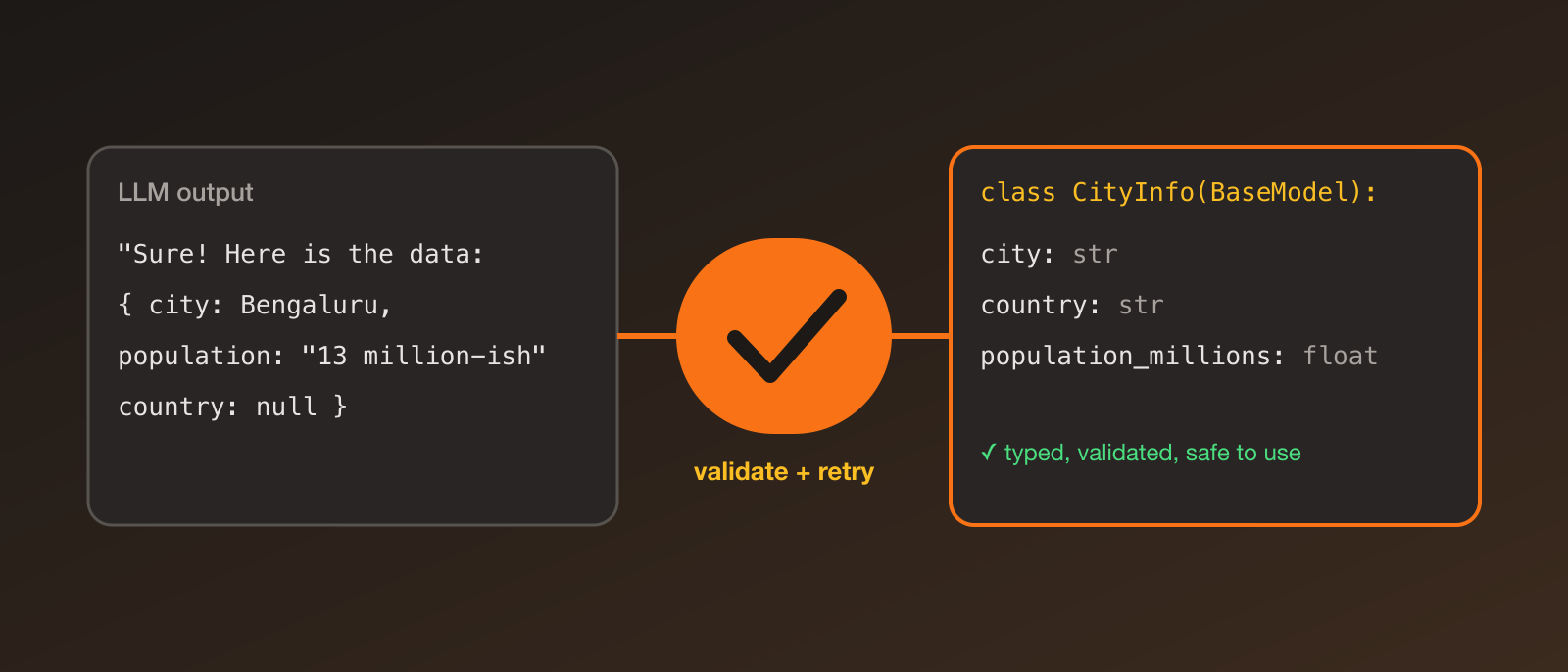
Anyone who has built something with an LLM knows the moment: you ask for JSON, and the model replies with JSON… wrapped in a sentence, with a missing field, or with "age": "twenty" where you needed a number. Then your code crashes three functions later.
Pydantic and PydanticAI are the tools that fixed this for me. Pydantic checks that data has the right shape, and PydanticAI uses it to make LLM output reliable.
What is Pydantic?
Pydantic is a Python library for data validation using type hints. You describe what your data should look like as a class, and Pydantic checks and converts incoming data to match. If it doesn’t fit, you get a clear error instead of a mystery bug later.
pip install pydanticfrom pydantic import BaseModel, Field, ValidationError
class User(BaseModel):
name: str
age: int = Field(ge=0, le=120)
email: str | None = None
user = User(name="Sai", age="21") # "21" is converted to the int 21
print(user.age + 1) # 22
try:
User(name="Sai", age="twenty")
except ValidationError as e:
print(e) # explains exactly which field failed and whyA few things I like:
- Automatic type conversion where it makes sense, and clear errors where it doesn’t.
- Constraints with
Field(ranges, lengths, patterns). - JSON in and out —
User.model_validate_json(text)anduser.model_dump_json(). - It’s everywhere — FastAPI, the OpenAI and Anthropic SDKs, LangChain and many other libraries use Pydantic under the hood.
So what is PydanticAI?
PydanticAI is an agent framework from the Pydantic team for building LLM applications. Its main idea is that the output of an LLM should be validated like any other data. You give the agent a Pydantic model, and it makes sure the model’s answer fits it — retrying automatically if it doesn’t.
Why it’s useful:
- Typed, validated outputs instead of parsing strings.
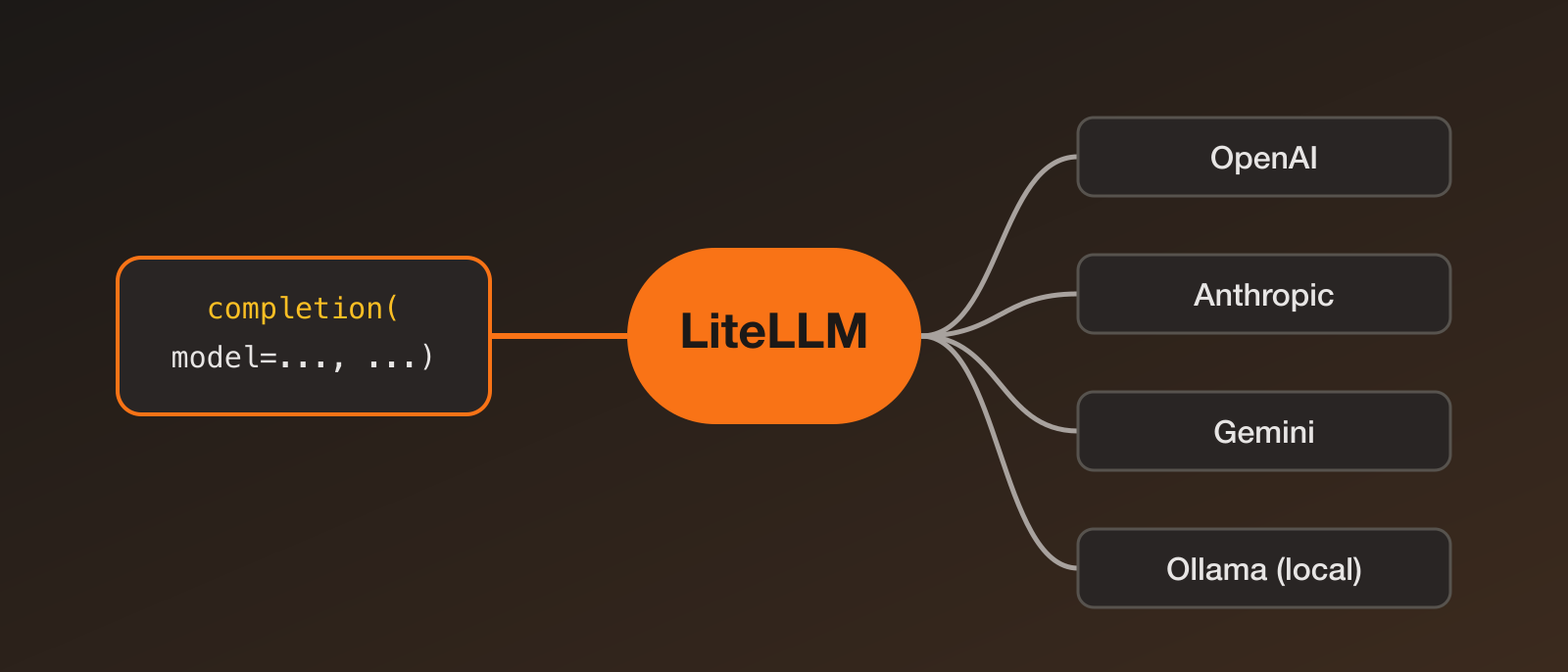
- Model-agnostic — OpenAI, Anthropic, Gemini, Ollama and others, by changing a string.
- Tools — let the model call your Python functions.
- Dependency injection — pass things like database connections into your agent in a clean, testable way.
- Familiar feel — if you know Pydantic (or FastAPI), it looks natural.
Installation
python -m venv .venv
source .venv/bin/activate   # on Windows: .venv\Scripts\activate
pip install pydantic-ai
export OPENAI_API_KEY="your-key"   # or ANTHROPIC_API_KEY, GEMINI_API_KEY, etc.
Your first agent
from pydantic import BaseModel
from pydantic_ai import Agent

class CityInfo(BaseModel):
    city: str
    country: str
    population_millions: float

agent = Agent(
    "openai:gpt-4o",
    output_type=CityInfo,
    instructions="Extract the city details from the user's message.",
)

result = agent.run_sync("Tell me about Bengaluru.")
print(result.output)
# city='Bengaluru' country='India' population_millions=13.6
print(result.output.country)   # a real str, not a guess at a JSON key
result.output is a validated CityInfo object. If the model returned something that doesn’t fit, PydanticAI sends the validation error back to the model and asks it to try again.
To use another provider, only the model string changes, for example "anthropic:claude-sonnet-5-5". Check the docs for current model names.
Adding a tool
Tools let the model call your own code, like looking up data it can’t know.
from pydantic_ai import Agent

agent = Agent(
    "openai:gpt-4o",
    instructions="Answer questions about the student's grades. Use the tool to look them up.",
)

@agent.tool_plain
def get_grade(course: str) -> str:
    """Return the grade for a course."""
    grades = {"Databases": "A", "Operating Systems": "B+"}
    return grades.get(course, "Not found")

result = agent.run_sync("How did I do in Databases?")
print(result.output)
The function’s type hints and docstring are used to describe the tool to the model, so write them clearly.
Use cases
- Information extraction — turn emails, resumes, invoices or reviews into structured records.
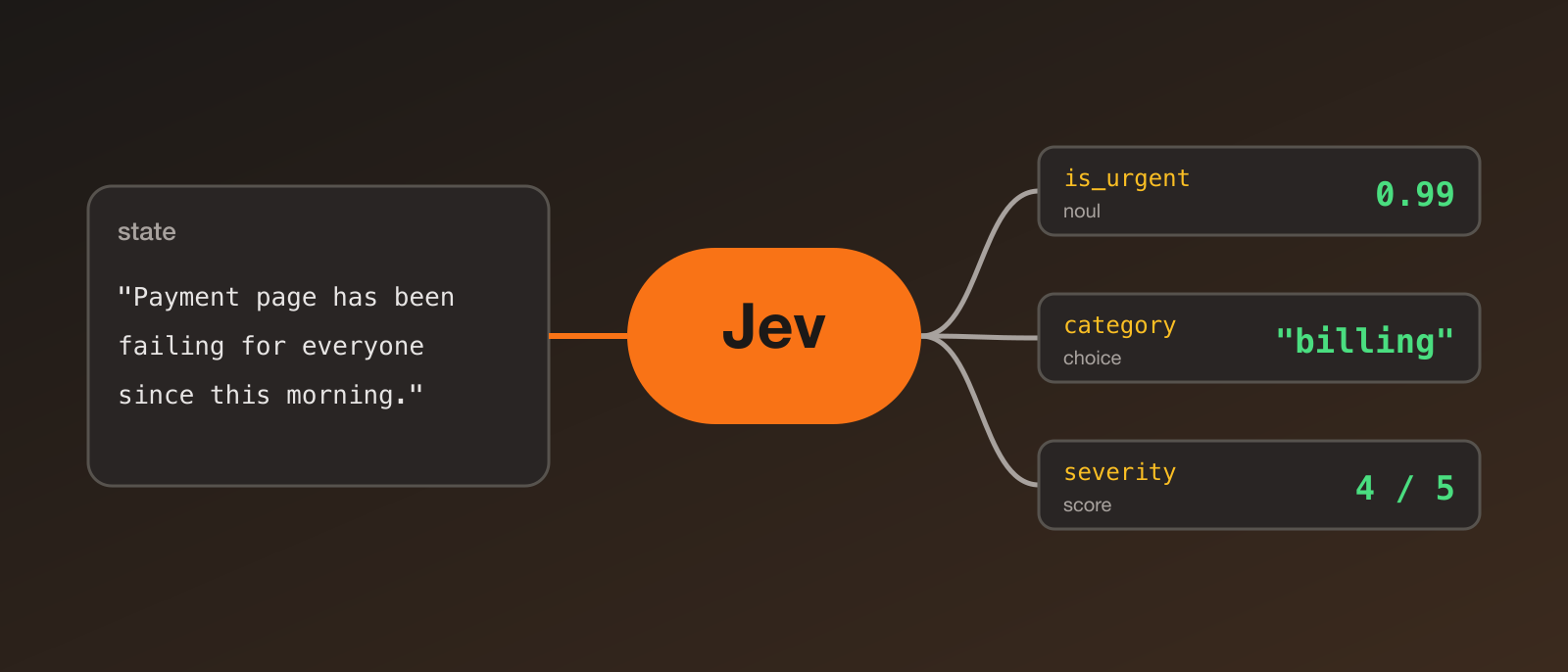
- Classification and tagging — sentiment, topic or priority as a validated enum field.
- Chatbots with tools — support or study assistants that look up real data.
- Data pipelines — LLM steps whose output can safely feed the next stage.
- API backends — pair with FastAPI so request and response models are Pydantic all the way through.
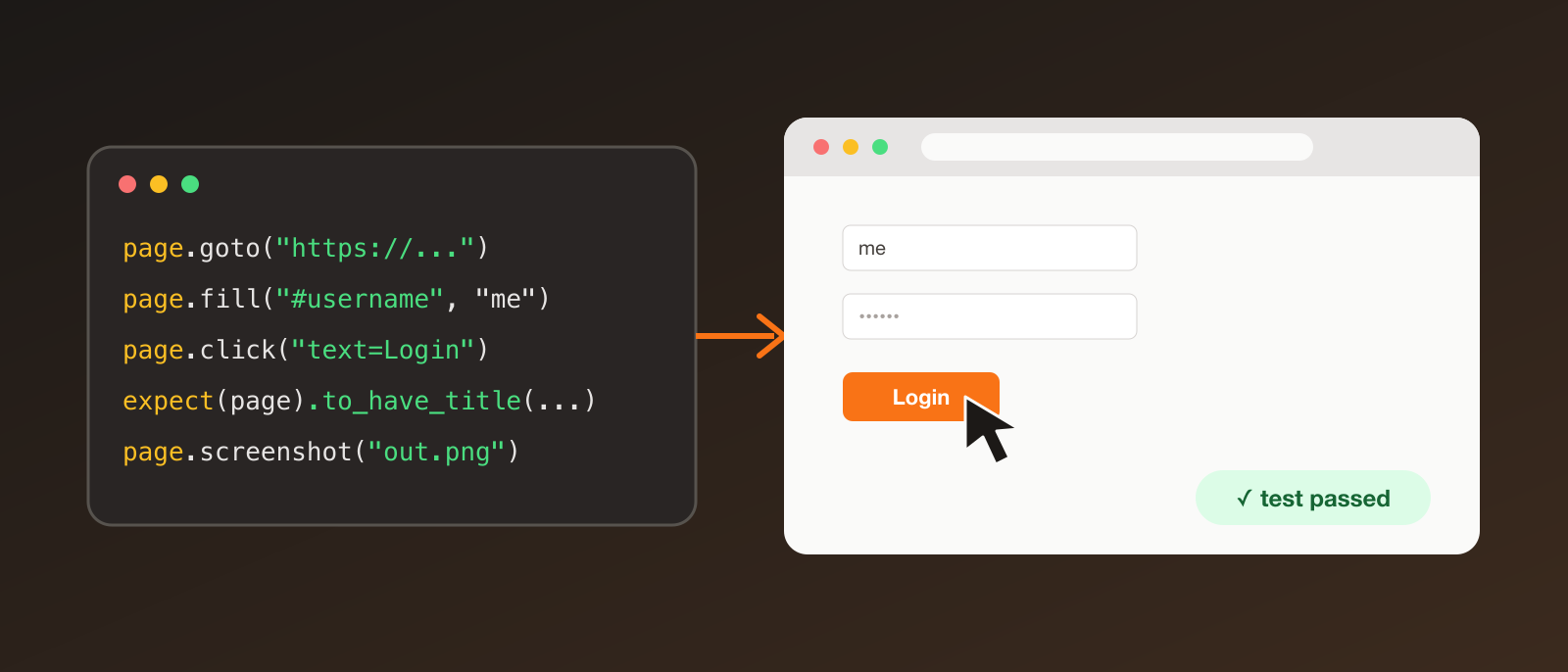
- Testing — PydanticAI includes a test model, so you can test agent logic without calling a real API.
Where to go next
- Pydantic docs: docs.pydantic.dev
- PydanticAI docs: ai.pydantic.dev
- Try extracting structured data from your own notes or emails.
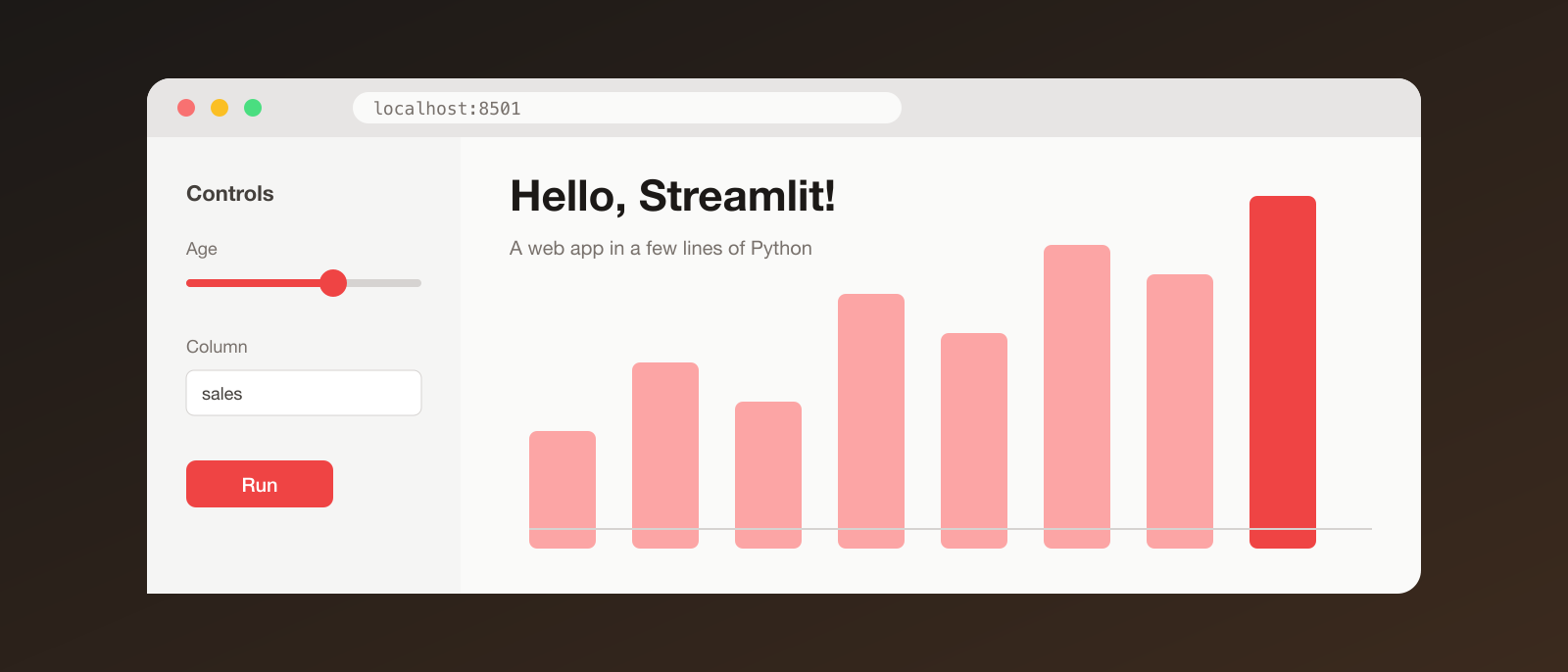
- Use it with a Streamlit front end for a quick demo.
My takeaway: treat LLM output like any untrusted input, and validate it. Pydantic gives you a clean way to do that, and PydanticAI builds the rest of the agent workflow around it.